

View API log entries in the Developer Services Console
API logs enable you to view your API transaction history and debug API errors with no setup required. When an API request is sent, Circle stores it along with its associated response. On the API logs page, you can view logs for up to seven days and filter them to find the specific request you are looking for. Go to your Developer Services Console to access the logs and click Logs.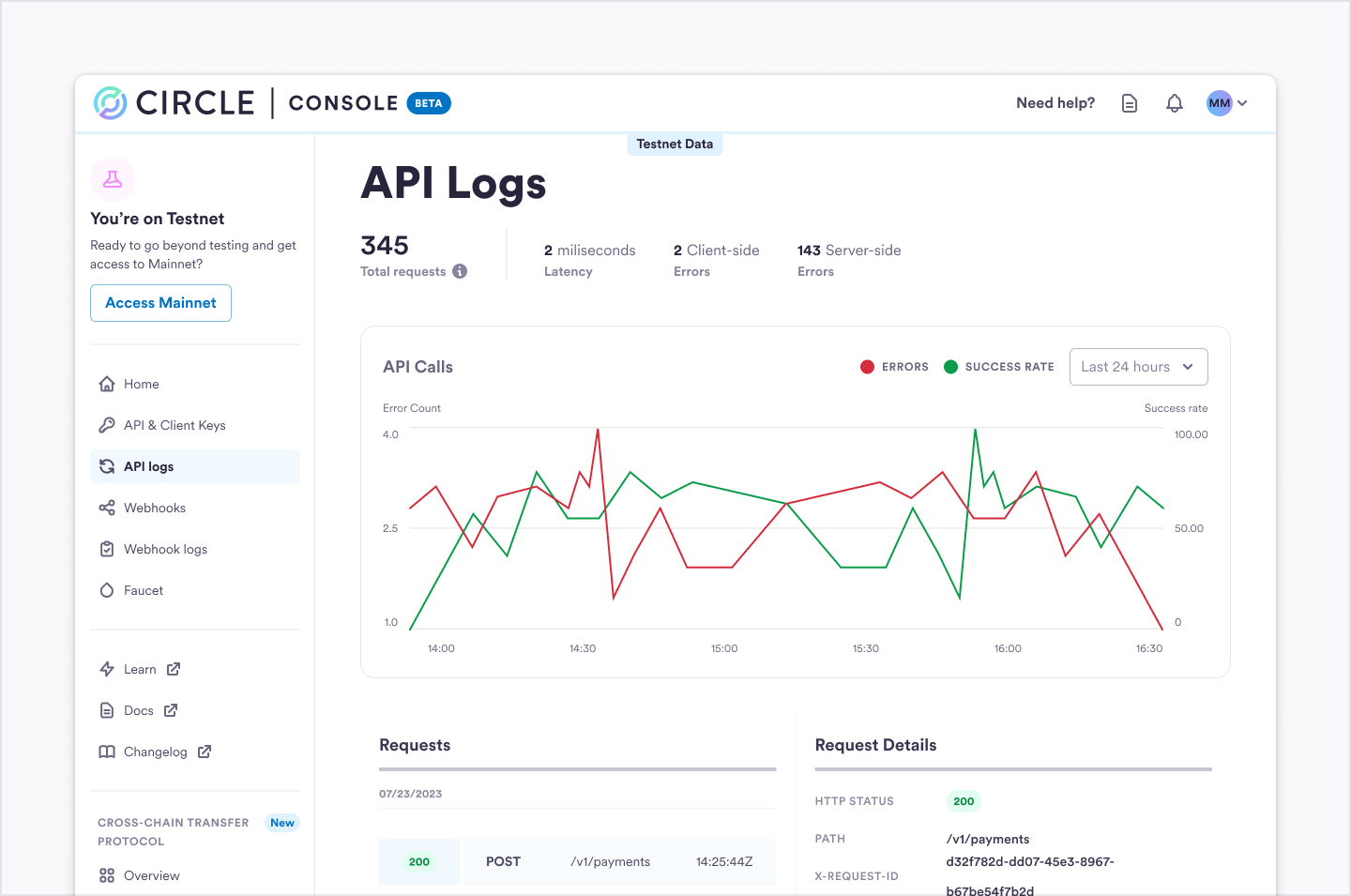
API Log Data Elements
For each API request and response Circle will store the following information.API Log Filtering
To filter your search, use the search fields and popup menus at the top of the Circle Developer account page.