Prerequisites
Before you start building the sample app to perform a USDC transfer, make sure you meet the following prerequisites:- Node.js and npm:
Make sure that you have
Node.jsandnpminstalled on your machine. You can download and installNode.jsfrom nodejs.org.npmcomes withNode.js. - Sui Wallet:
Install the Sui Wallet browser extension and set up your wallet. Make sure
that your wallet is funded with:
- Some SUI testnet tokens to cover transaction fees.
- USDC tokens for the transfer. (USDC Testnet Faucet)
Contract Addresses
You will need the following contract addresses:- Testnet - 0xa1ec7fc00a6f40db9693ad1415d0c193ad3906494428cf252621037bd7117e29::usdc::USDC
- Mainnet - 0xdba34672e30cb065b1f93e3ab55318768fd6fef66c15942c9f7cb846e2f900e7::usdc::USDC
Installation
Perform the following installation and setup steps:- Project Setup: Create a new project directory and initialize it with
npm:
Shell
-
When prompted, choose the following options:
- Use
TypeScript: Yes - Use
ESLint: Yes - Use
Tailwind CSS: Yes - Use
src/directory: Yes - Use
App Router: Yes - Customize the default import alias: No
- Use
- Navigate to the project directory:
Shell
- Install additional dependencies:
Shell
Import Code and Setup
- The code provided will be updated in the
src/app/page.tsxfile. This section imports necessary libraries and sets up the network configuration.
Javascript
Javascript
Javascript
useEffect() to update the connection status whenever the currentAccount
changes.
Javascript
Javascript
Javascript
Main Application Component
This component wraps theHomeContent() function with the necessary providers
for state management and wallet connection.
Javascript
- Start the development server:
Shell
- Open http://localhost:3000 in your browser.
Connecting Your Wallet
- On the USDC Token Sender app, click the “Connect Wallet” button.
- Select your wallet from the list of available options.
- Approve the connection in your wallet extension.
Performing a USDC Transfer
- Ensure you have USDC tokens in your wallet. You can get testnet tokens from our faucet if needed.
- Click the
Request testnet SUI Tokensfrom your Sui Wallet to source gas tokens. - In the app, enter the amount of USDC you want to send and the recipient’s address.
- Click the
Send Tokensbutton. - Your wallet will prompt you to approve the transaction. Review the details and confirm.
- Wait for the transaction to be processed. The app will display the transaction to status.
Sample App UI
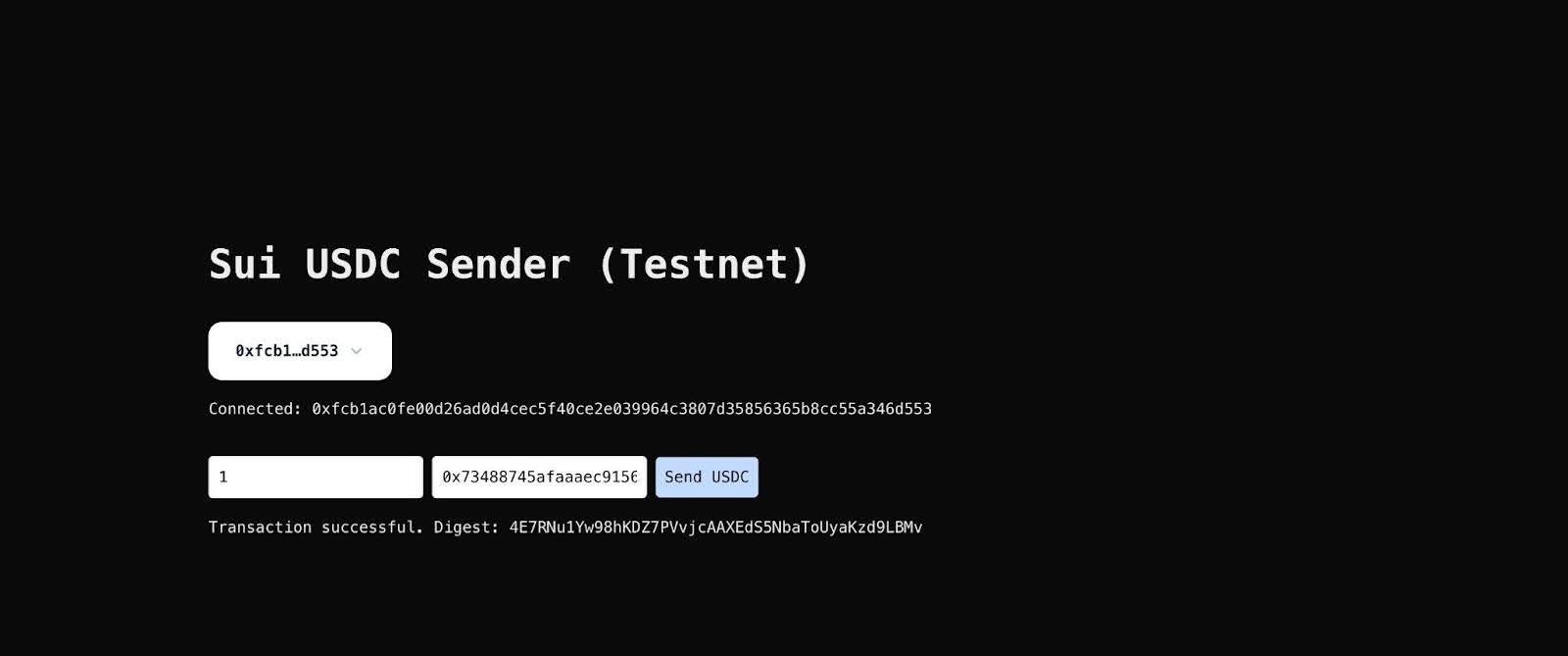
Successful Transaction
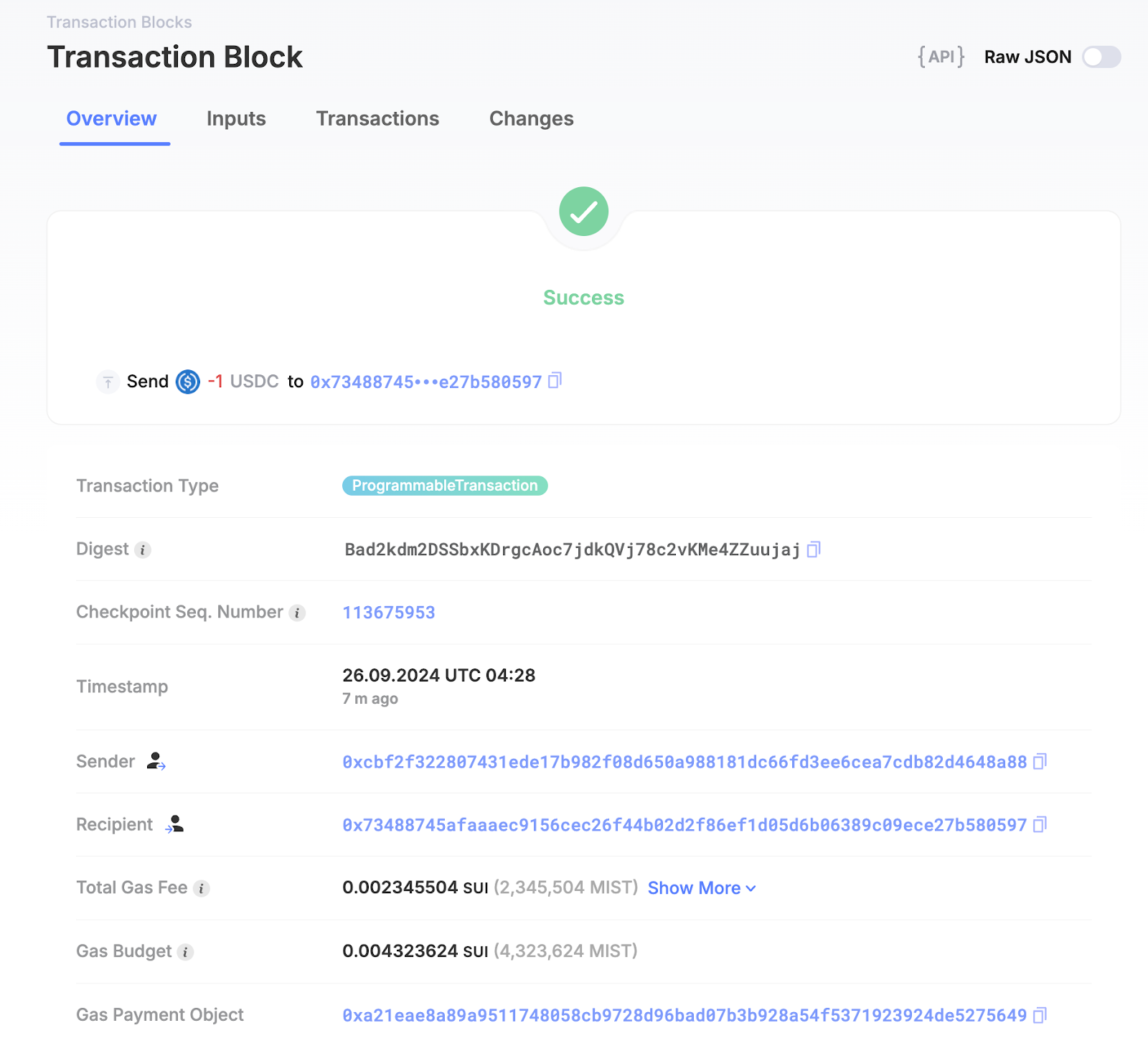
You can use the Sui Explorer to check the status of the transaction.